
javascript動(dòng)態(tài)修改單元格內(nèi)容代碼實(shí)例
在實(shí)際應(yīng)用中,可能根據(jù)需要?jiǎng)討B(tài)改變td單元格的內(nèi)容,下面就通過(guò)代碼實(shí)例介紹一下如何實(shí)現(xiàn)此功能。
代碼:
<!DOCTYPE html>
<html>
<head>
<meta charset="utf-8">
<meta name="author" content="/" />
<title>實(shí)例</title>
<script>
function changeContent(){
  var tds=document.getElementById('myTable').rows[0].cells;
  tds[0].innerHTML="實(shí)例3";
}
window.onload=function(){
  var obt=document.getElementById("bt");
  obt.onclick=function(){
    changeContent()
  }
}
</script>
</head>
<body>
<table id="myTable" border="1">
  <tr>
    <td>實(shí)例一</td>
    <td>實(shí)例二</td>
  </tr>
  <tr>
    <td>div教程</td>
    <td>css教程</td>
  </tr>
  <tr>
    <td>json教程</td>
    <td>正則表達(dá)式教程</td>
  </tr>
</table>
<form>
  <input type="button" id="bt"  value="查看效果"/>
</form>
</body>
</html>相關(guān)推薦
-
javascript通用獲取元素樣式屬性值代碼實(shí)例
本章節(jié)分享一段代碼實(shí)例,它實(shí)現(xiàn)了具有通用效果的獲取元素指定樣式屬性值的功能。無(wú)論是使用l.styl.ttr方式定義的屬性還是樣式表定義的屬性,都可以獲取。代碼實(shí)例如下: ht
-

js動(dòng)態(tài)設(shè)置元素透明度代碼實(shí)例
本章節(jié)分享一段代碼實(shí)例,它實(shí)現(xiàn)了動(dòng)態(tài)設(shè)置元素透明度效果。當(dāng)然這個(gè)動(dòng)態(tài)設(shè)置不是指的以動(dòng)畫(huà)方式設(shè)置透明度。以動(dòng)畫(huà)方式設(shè)置透明度可以參閱jvscrit實(shí)現(xiàn)的以漸變方式設(shè)置透明度一章節(jié)。代碼實(shí)例如下:
-

javascript命名空間使用簡(jiǎn)單代碼實(shí)例
代碼實(shí)例如下:vr GLOBL = {};GLOBL.nmsc = function(str){vr rr = str.slit(.),o = GLOBL;for(k=(rr
-

js將字符串轉(zhuǎn)換為編碼序列代碼實(shí)例
本章節(jié)分享一段代碼實(shí)例,它實(shí)現(xiàn)了將字符串轉(zhuǎn)換為編碼序列的功能。代碼如下:vr str=實(shí)例3;vr rr=str.slit();vr codrr=rr.m(funct
-

js選中指定位置文本框文本代碼
本章節(jié)分享兩段代碼,它可以實(shí)現(xiàn)對(duì)文本框中指定文本內(nèi)容的選中效果。代碼實(shí)例如下:function gtos(l) { vr rng, txtRng, dulict l.fo

帝國(guó)CMS模板博客文章資訊自適應(yīng)手機(jī)HTML5網(wǎng)站SEO優(yōu)化版
2023-12-26 14:39:32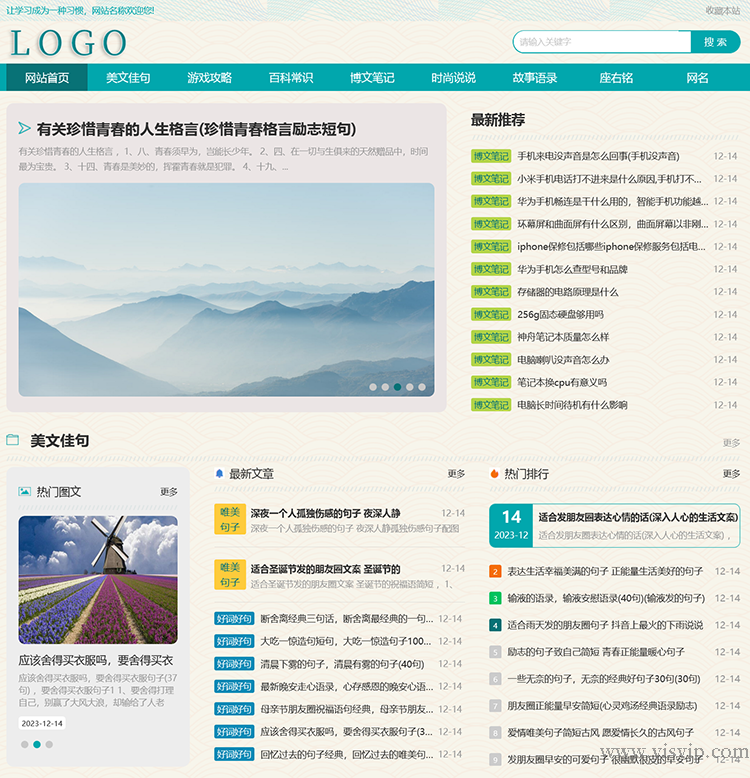
美文句子文章網(wǎng)站模板自適應(yīng)作文百科資訊源碼
2023-12-22 17:46:01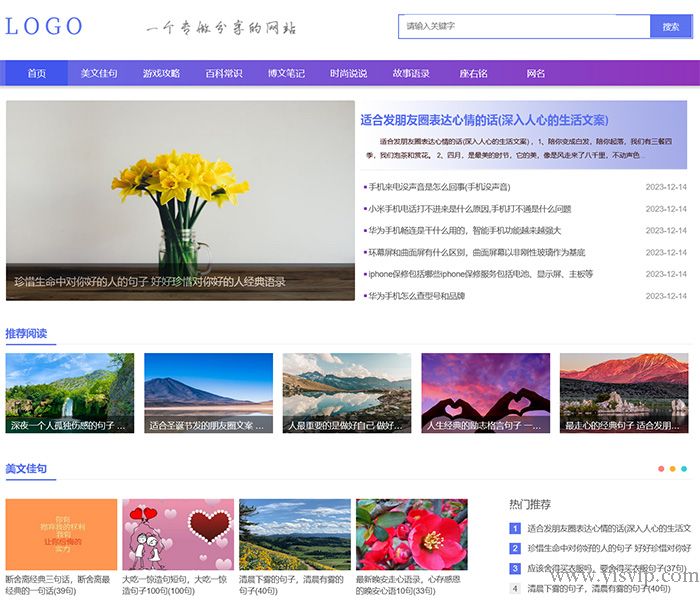
帝國(guó)CMS模板個(gè)人博客美文佳句文章資訊自適應(yīng)手機(jī)網(wǎng)站源碼
2023-12-19 18:01:32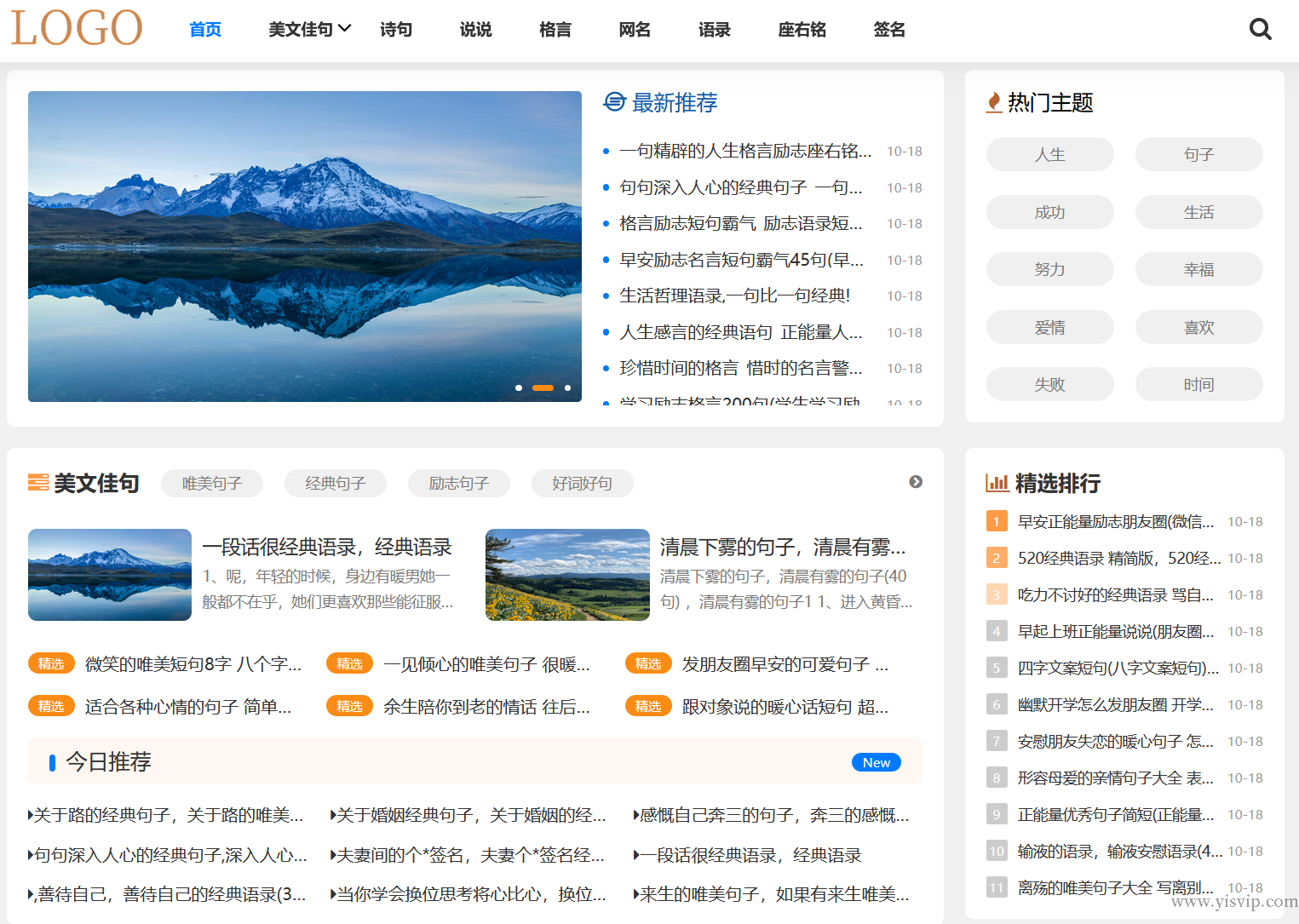
帝國(guó)cms簡(jiǎn)潔兩端資訊文章句子網(wǎng)美文源碼詩(shī)句模板
2023-12-13 10:58:14
帝國(guó)cms大氣簡(jiǎn)潔資訊文章博客源碼電商資訊教程網(wǎng)站模板
2023-11-30 13:56:14